
Bing adds References button with hover labels in AI Mode

Bing has added a References button in AI Mode, displaying “Open Reference” and “Close Reference” labels when users hover over it to indicate the panel's current state.

Bing search

Microsoft Bing has added a References button in its AI Mode search experience, displaying “Open Reference” and “Close Reference” labels when users hover over it.

When users move their cursor over the References button, a tooltip displays “Open Reference” or “Close Reference”, depending on whether the References panel is currently closed or open.

We previously reported on Bing’s different AI Mode layout with a References panel. This latest observation highlights the hover labels added to the button, which indicate how users can open or close the panel.

Here is how the References button and its hover labels appear in Bing AI Mode.
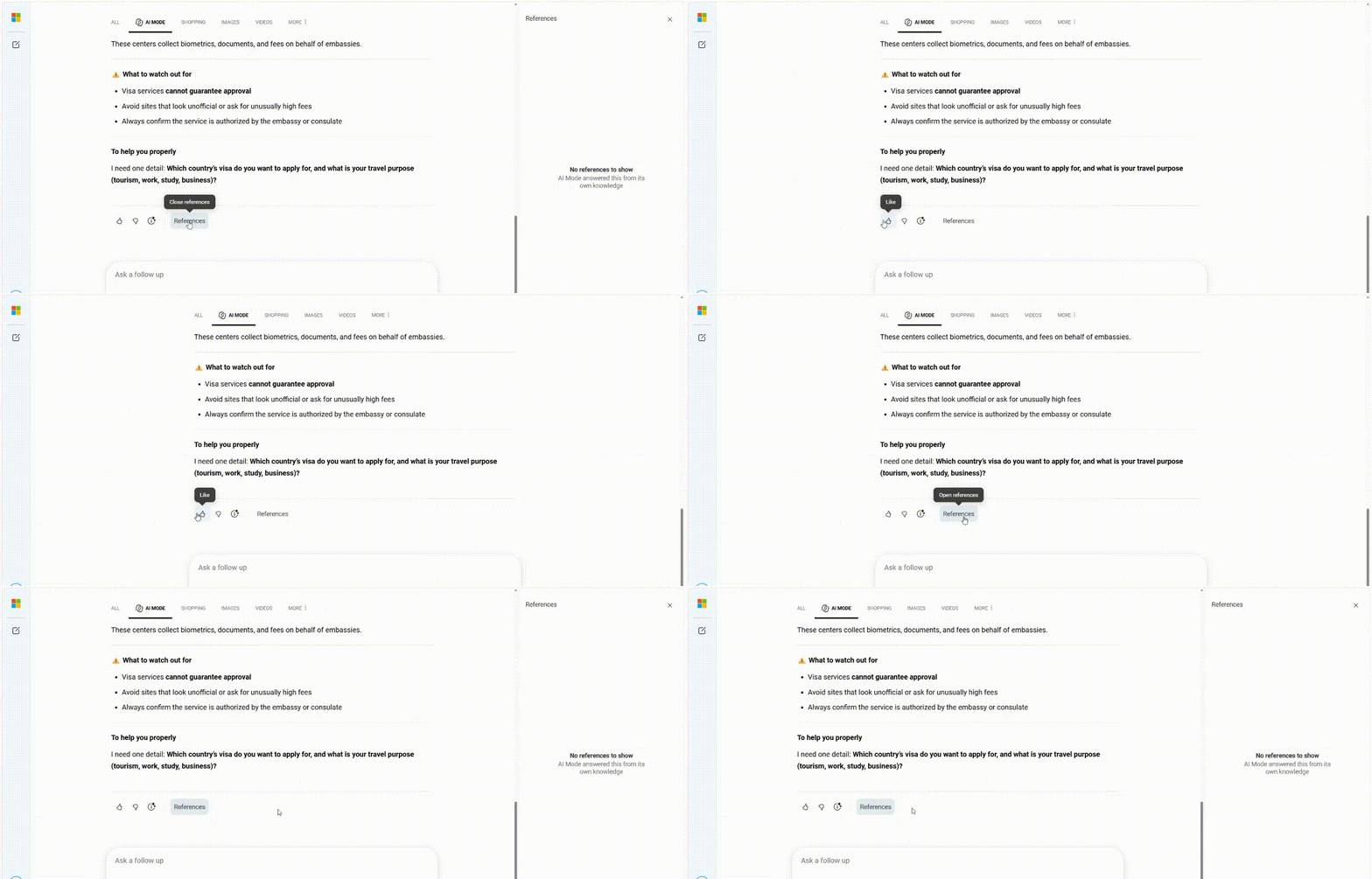
refrance button ai mode

These labels provide a clearer indication of the References button’s function while users navigate Bing AI Mode.

TaggedBing
Want SEW higher in your Google results?Add as a preferred source

More in SEO

View more
SEO

Bing AI Overview displays additional source links

Bing AI Overview is displaying additional source links directly below its image carousel, alongside the existing reference panel on the right. Both locations show the same website references and URLs.

SEO

Bing gives AI Mode a new chat-style layout

Bing is testing a chat-style layout in AI Mode that moves the user’s query from the left to the right side of the page, similar to a change Google made earlier.

Start the conversation by posting the first comment

Join the conversation

Posting publicly · your email is never shown